Kiro Account Manager: Multi-account switching plus a built-in gateway for Kiro, and I forked it to read the source
Kiro Account Manager is a Tauri 2.x desktop app for managing accounts. The frontend is React 18 + Vite + shadcn/ui + Tailwind 4, the backend is Rust, and it runs on all three platforms. What it does is straightforward: it centralizes Kiro IDE accounts and local config, with one-click account switching plus quota monitoring. The original author is hj01857655; I forked it to read the source and tinker along the way, so the credit is his.
What drew me in is that it chews through the entire chain, from OAuth login to writing the local token file, and then adds a built-in API gateway. I’ve been leaning hard on Kiro lately, and juggling a stack of accounts back and forth got annoying, so its source made for a good reverse engineering study.
When reading the code, a few parts mattered most to me. The file-write ordering during account switching is the most interesting: get it wrong and the IDE reads a stale account or a half-written token. The author aligned the writes with the IDE’s read timing, and split logout and switch into two separate gates. The machine code was originally a single global machineId, which caused serious cross-account bleed; it was later changed so each account persists its own copy. The request UA is also aligned with the real Kiro IDE, with management and streaming using different versions of the aws-sdk-js / codewhisperer identifiers, which you’d never guess without reverse engineering.
The wildest part is the built-in OpenAI-compatible gateway. It handles Anthropic’s /v1/messages, OpenAI’s /v1/responses, and /v1/chat/completions all at once, with prompt cache mapping, account-pool routing, API key authentication, and model mapping. Tools like Cursor and Cline plug straight in and forward through your account pool. The author patched the pitfalls one by one: streaming tool_use event ordering, restoring the original MCP tool names, and so on.
Building it yourself is routine: install dependencies with bun, bun run tauri dev to start development, bun run tauri build to produce a package, with Node.js 20+ and Rust as prerequisites. If you’d rather not bother, just grab a build from Releases; the Windows MSI, macOS DMG, and Linux AppImage/DEB/RPM are all there.
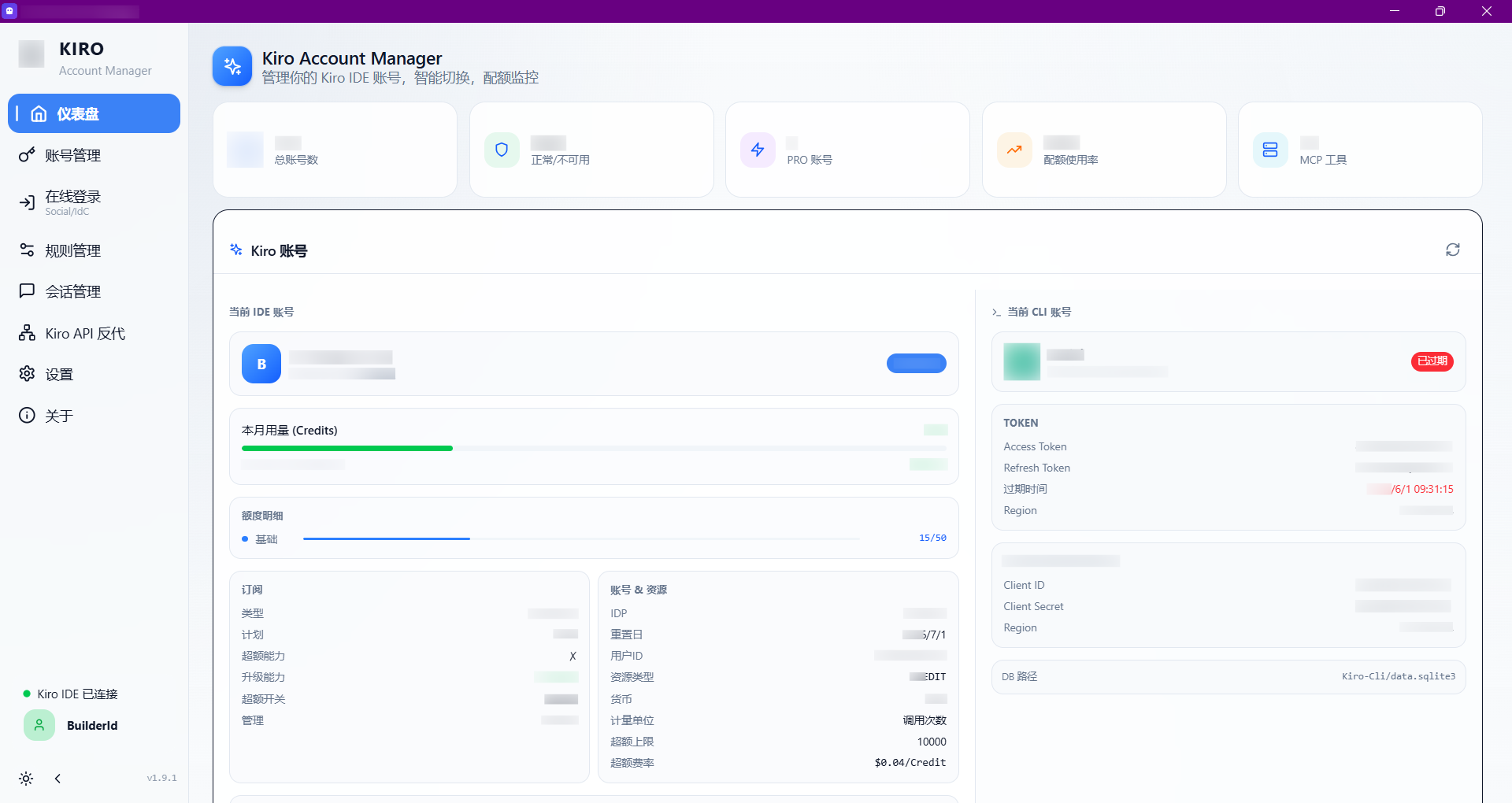
Forking it wasn’t about starting from scratch; it was about understanding how a desktop tool piggybacks on someone else’s IDE account system. This approach to timing, machine code, and request-header alignment carries over to other scenarios just fine.